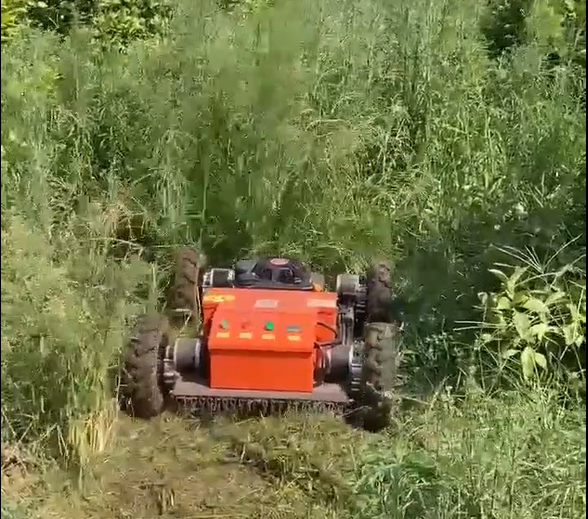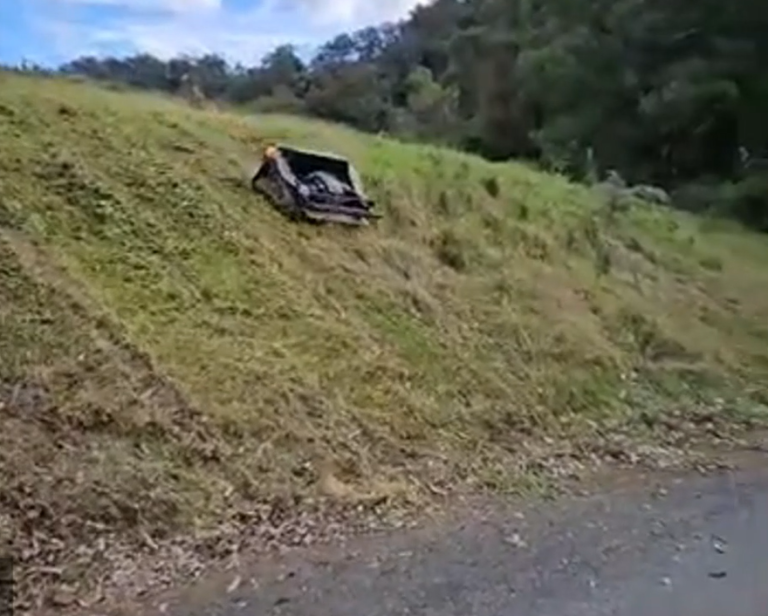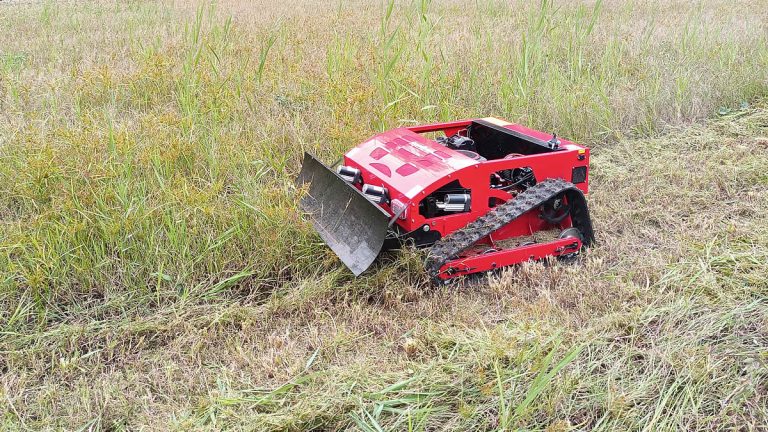
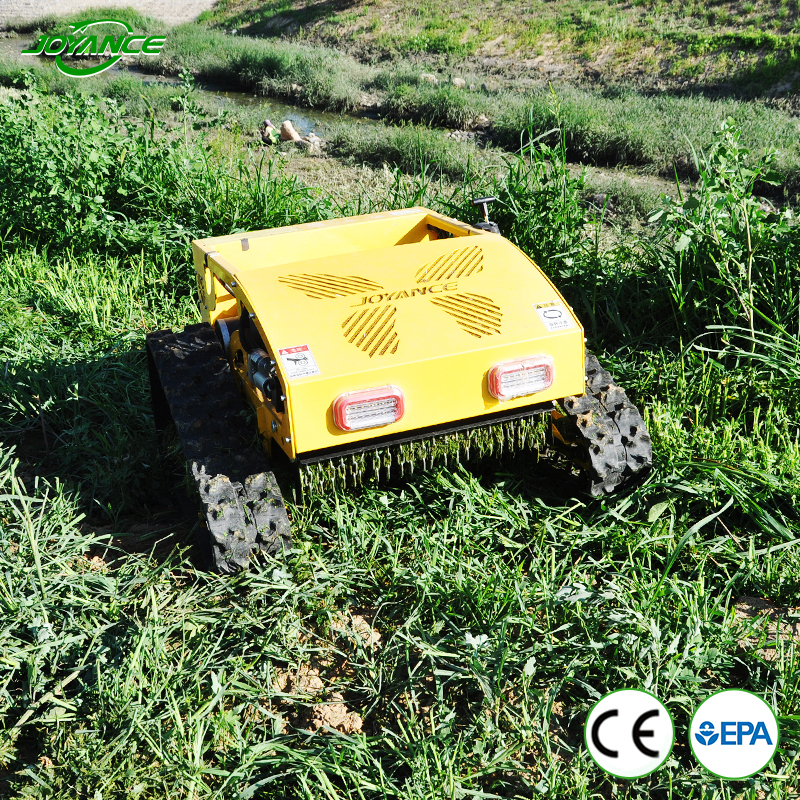
How to easy Operate the JT550 Robot Remote Contaol Lawn Mower
How to Operate the JT550 Robot Remote Contaol Lawn Mower
Operating a robot lawn mower like the JT550 Robot Remote Contaol Lawn Mower can save you time and effort while keeping your lawn well-maintained. Here is a step-by-step guide to help you get started:
1. Unboxing and Setup
- Unbox the Mower: Carefully remove the JT550 robot lawn mower and all its accessories from the packaging.
- Charging Station: Find a suitable location for the charging station. It should be placed on a flat surface with a power outlet nearby and positioned within the working area of the mower.
- Power On: Plug in the charging station and switch it on.
2. Installing the Perimeter Wire
- Layout Planning: Plan the layout of your lawn and determine the boundary where the JT550 will operate. Ensure there are no obstacles that might interfere with the mower’s path.
- Installing the Wire: Lay the perimeter wire around the edges of your lawn, securing it with pegs. This wire acts as a boundary, guiding the mower and preventing it from leaving the designated area.
- Connect to Charging Station: Connect the perimeter wire to the charging station as per the manufacturer’s instructions.
3. Initial Charging
- Place on Charger: Place the JT550 Robot Remote Contaol Lawn Mower onto the charging station. Ensure proper alignment so the mower can charge effectively.
- Charging Time: Allow the mower to fully charge. Initial charging may take several hours.
4. Programming the Mower
- Power On: Turn on the JT550 by pressing the power button.
- Set the Schedule: Use the control panel or the accompanying mobile app to set the mowing schedule. You can program the mower to operate on specific days and times.
- Adjust Settings: Adjust the cutting height and other settings according to your lawn’s requirements.
5. Starting the Mower
- Manual Start: If not using a scheduled start, you can manually start the JT550 by pressing the start button on the mower or using the mobile app.
- Automatic Operation: The mower will follow the perimeter wire and cut the grass within the designated area. It will automatically return to the charging station when the battery is low or when the mowing task is completed.
6. Maintenance and Troubleshooting
- Regular Cleaning: Keep the JT550 clean by regularly removing grass clippings and debris from the wheels and blades.
- Blade Replacement: Replace the blades periodically to ensure effective cutting.
- Software Updates: Check for software updates for your mower and install them to improve performance and add new features.
- Troubleshooting: Refer to the user manual for troubleshooting tips if the mower encounters any issues.
Safety Tips
- Supervision: Initially supervise the JT550 to ensure it operates correctly and doesn’t encounter any obstacles.
- Children and Pets: Keep children and pets away from the mower while it is operating.
- Weather Conditions: Avoid operating the mower in extreme weather conditions such as heavy rain or high temperatures.
By following these steps, you can effectively operate the JT550 robot lawn mower and maintain a well-manicured lawn with minimal effort.

#mower #lawnmower #automower #remotemower #lawnmowers #robotlawnmower #roboticlawnmower #lawnmowerrobot #remotecontrolmower #remotecontrolledlawnmower #remotecontrolledmower #slopemower #rcmower #roboticmower #remotecontrollawnmower #gardentools #Crawlerlawnmower #pushmower #ridingmower #robotmower #gardenmower #lawnmowerwholesale l#autolawnmowerrobot #Roboticlawnmowers #mowing #lawnmowing #garden #lawnbusiness #lawnservice #zeroturn #zeroturnmower #RoboticRemoteControlLawnMower #gardenCrawlerLawnMower